
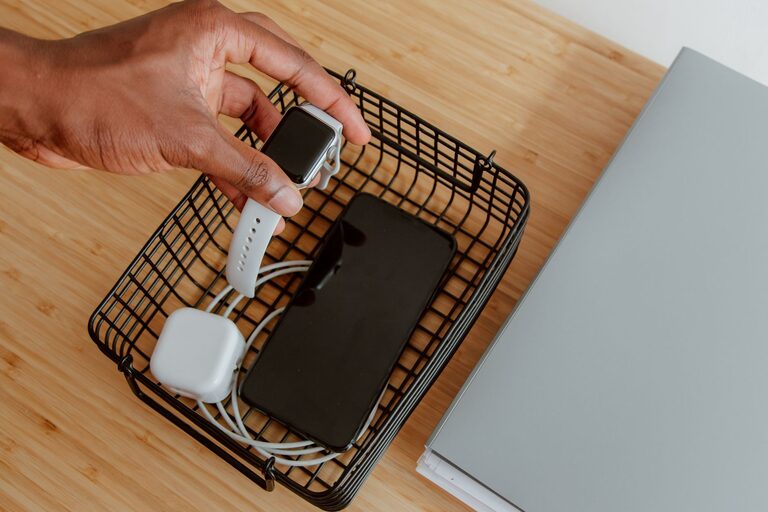
Setting up a dedicated charging station for your devices can make your daily routine smoother and keep your space neat. With multiple gadgets like smartphones, tablets, smartwatches, and wireless earbuds, having one centralized spot for charging helps avoid clutter and ensures your devices are always ready to go. In this guide, we’ll walk you through how to create a practical and efficient charging station at home.
Why Set Up a Charging Station?
Before diving into the setup process, it’s helpful to understand the benefits:
– Organization: No more tangled cables or searching for chargers.
– Efficiency: Charge multiple devices simultaneously.
– Safety: Reduces the risk of tripping over cords and prevents overheating.
– Accessibility: Easy access to your devices while charging.
Choosing the Right Location
Start by selecting a convenient location for your charging station. Consider these points:
– Proximity to Power Outlets: Pick a spot close to electrical outlets to avoid long extension cords.
– Visibility: A visible place helps you remember to put devices there to charge.
– Ventilation: Avoid enclosed spaces to prevent devices from overheating.
– Furniture: A desk, shelf, or a small table works well.
Common spots include entryway tables, office desks, nightstands, or kitchen counters.
What You’ll Need
Gather the essentials before you begin:
– Power Strip or Charging Hub: Look for one with surge protection and enough ports for your devices.
– Charging Cables: Use cables compatible with your devices (USB-C, Lightning, Micro USB).
– Cable Organizer: Clips, sleeves, or boxes to keep cords tidy.
– Device Holders or Stands: Optional but useful for keeping devices upright.
– Labeling Supplies: Stickers or tags to identify each cable.
Step-by-Step Setup Guide
1. Assess Your Devices and Chargers
Make a list of all devices you need to charge regularly. Note the type of charging ports and power requirements. This will help you buy the right cables and ports.
2. Select a Power Source
Choose a power strip or multi-port USB charger that can handle the total power load. A surge protector is recommended to protect your devices from voltage spikes.
3. Arrange Your Charging Station Surface
Clear the area where you plan to set up. Place the power strip or charging hub near the back or side of the surface to keep cords out of the way.
4. Organize and Label Cables
Use cable clips or sleeves to bundle cables neatly. Label each cable so you know which charger corresponds to which device, making it easy to find the right one.
5. Set Up Device Holders
If you have stands or holders, arrange them so devices can rest safely while charging. This also reduces wear on charging ports.
6. Test Your Station
Plug in the power strip and connect your devices. Make sure everything charges properly and the cords are safely routed.
Tips for Maintaining Your Charging Station
– Regularly Check Cables: Replace frayed or damaged cords.
– Keep It Clean: Dust the area often to prevent buildup.
– Limit Devices: Only keep frequently used devices to avoid clutter.
– Unplug When Not in Use: Saves energy and extends device life.
Creative Ideas to Personalize Your Charging Station
– Use decorative trays or boxes to hide cables.
– Incorporate a small lamp or clock to make the station multifunctional.
– Use color-coded cables and labels for quick identification.
– Add a small plant or photo frame to create a pleasant look.
Troubleshooting Common Issues
– Slow Charging: Check if the charger supports fast charging and use compatible cables.
– Overheating: Ensure proper ventilation and remove devices when fully charged.
– Cable Wear: Use cable protectors or avoid bending cables sharply.
Conclusion
Setting up a charging station is a simple project that can save you time and keep your devices organized. By choosing the right location, organizing cables, and using appropriate chargers and holders, you’ll create a functional and tidy space to keep all your gadgets powered up. Start with a small setup and adjust as needed to fit your lifestyle.
With a little planning and effort, your charging station will become an essential part of your home routine, making device management easy and efficient. Happy charging!